


The Rockford Housing Authority (RHA) makes it easy to apply for housing with a straightforward online application process. In this article, we’ll guide you through the first steps to get started.
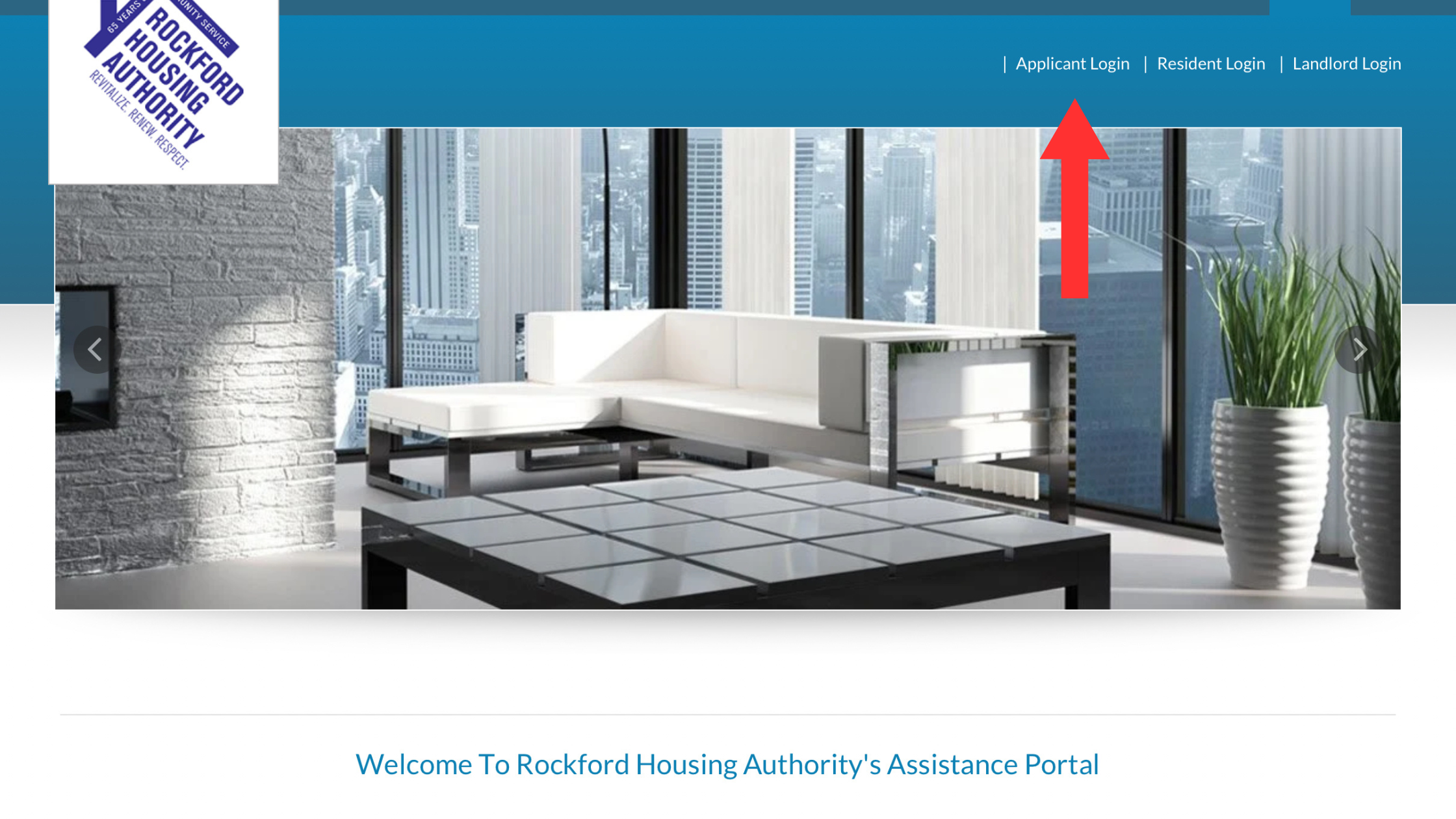
Go to www.rockfordhousingauthority.com to access the application portal. On the main page, click Applicant Login.
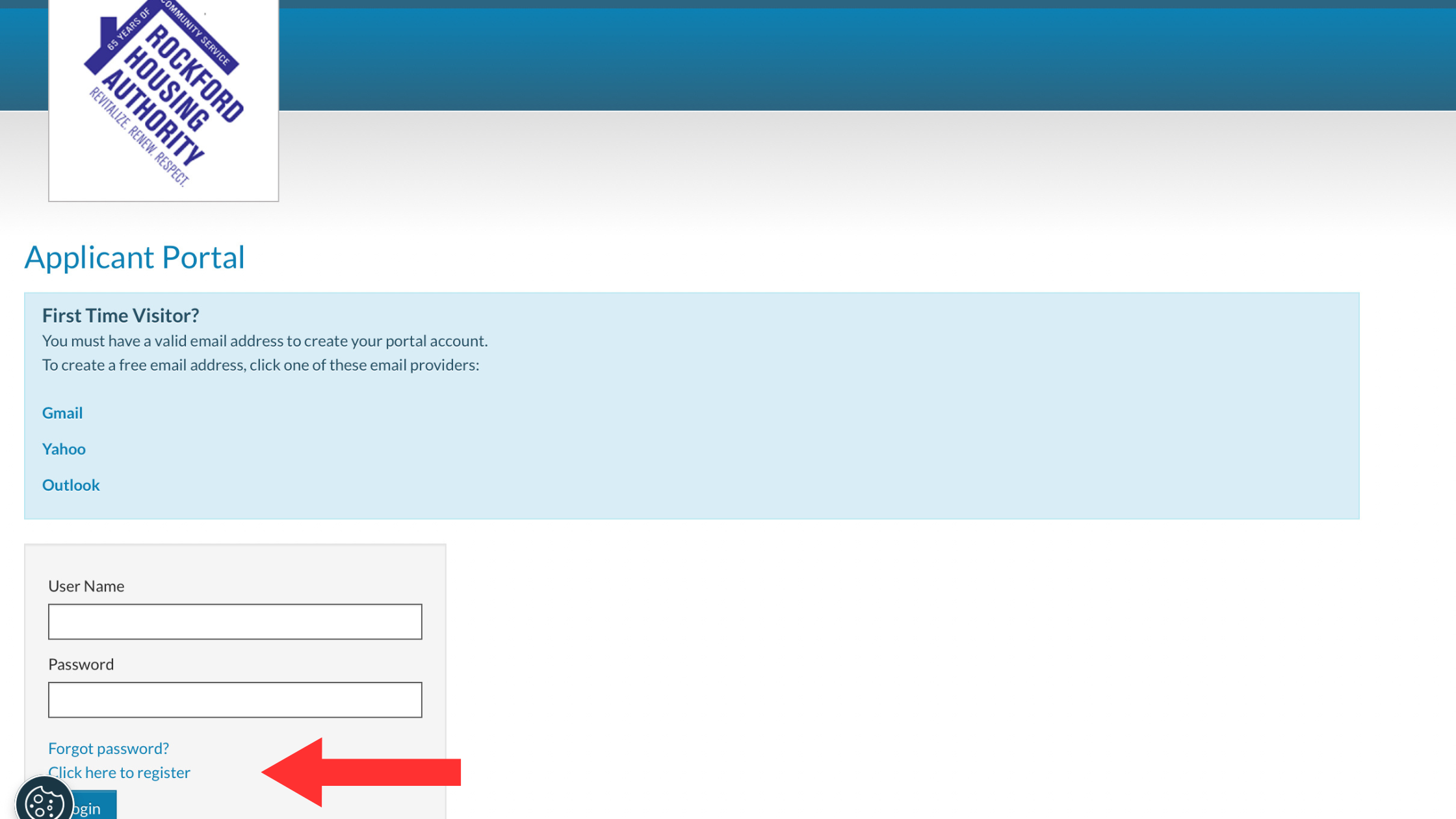
Go to “Click here to register” to access the application portal.
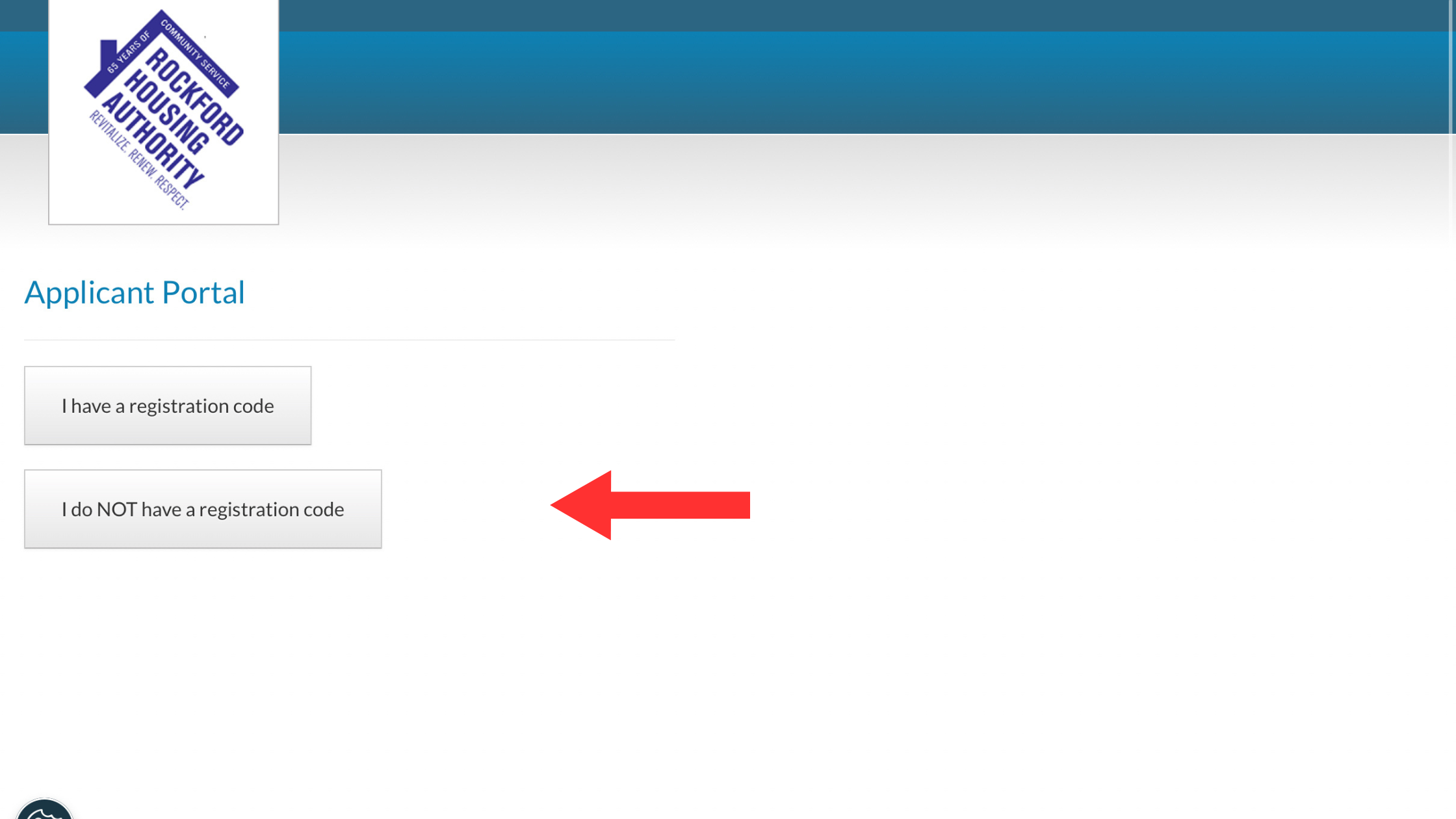
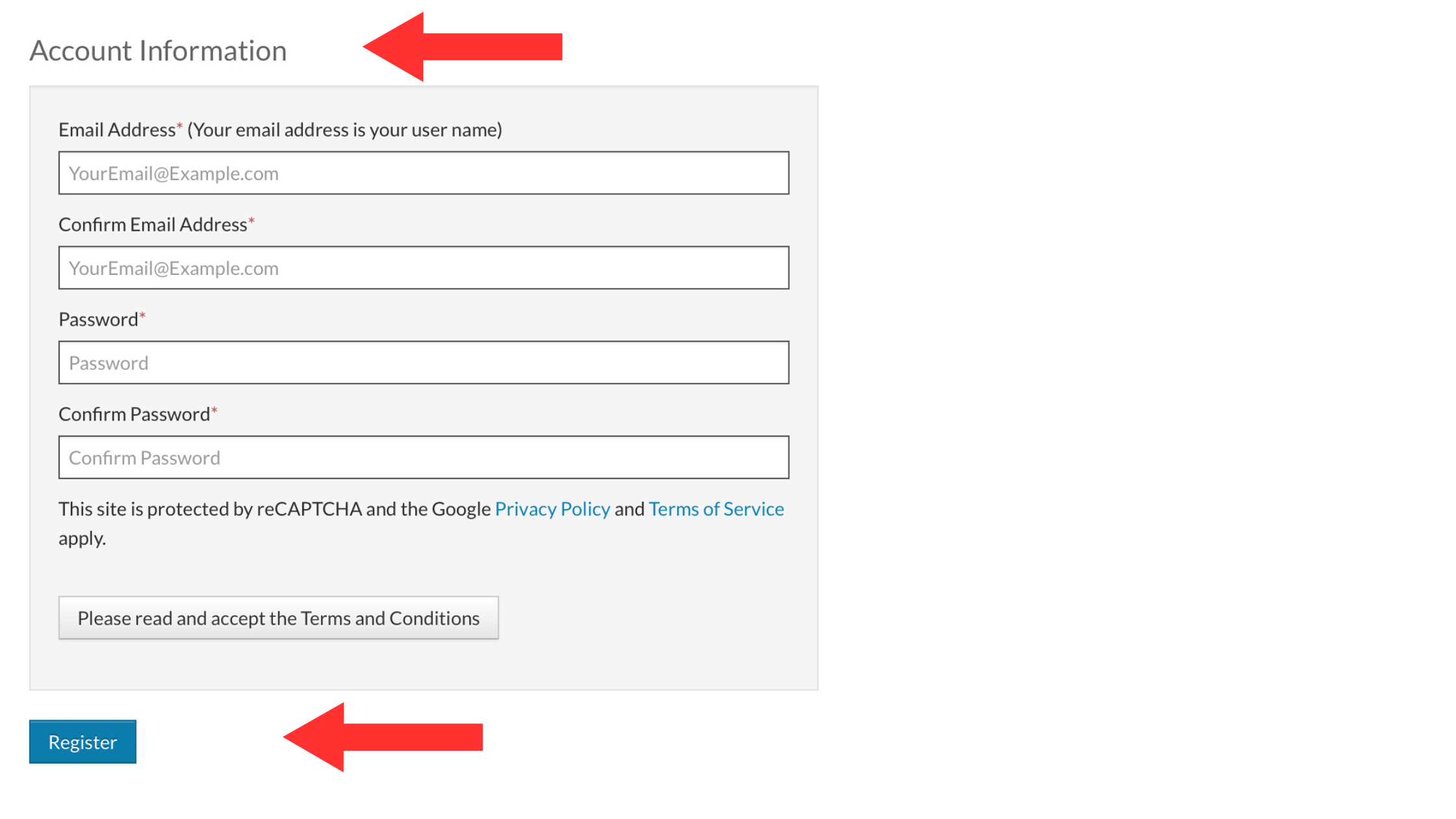
If you’re new to the website, select Click Here to Register, enter your email address, and create a secure password. Be sure to store your password safely as RHA does not keep copies.
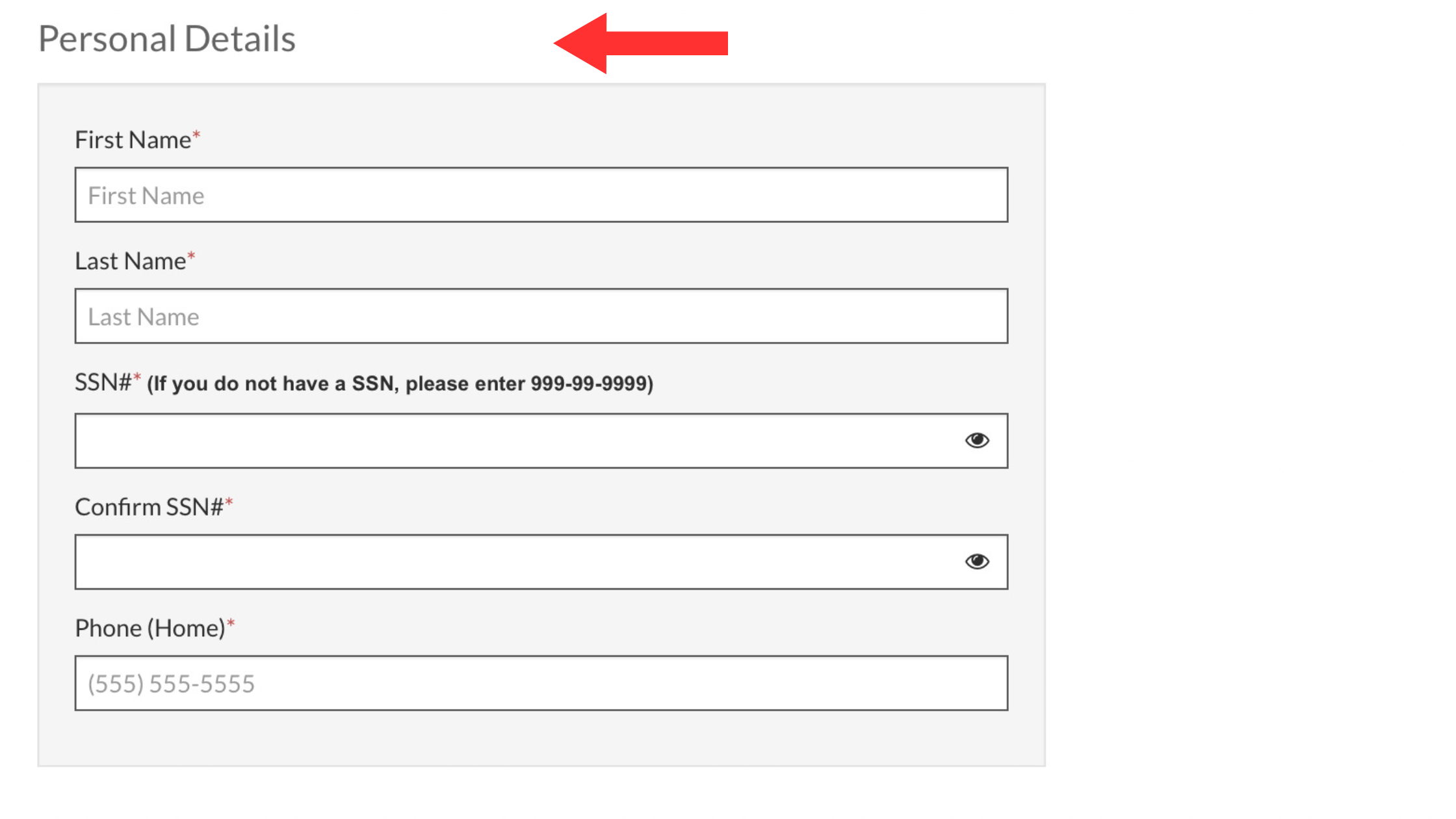
Follow the prompts to complete your application by answering all required questions. No documentation is needed at this stage.
Once your application is submitted, RHA will notify you via email about its status. Stay tuned for Part 2, where we’ll discuss waitlist updates and processing timeline